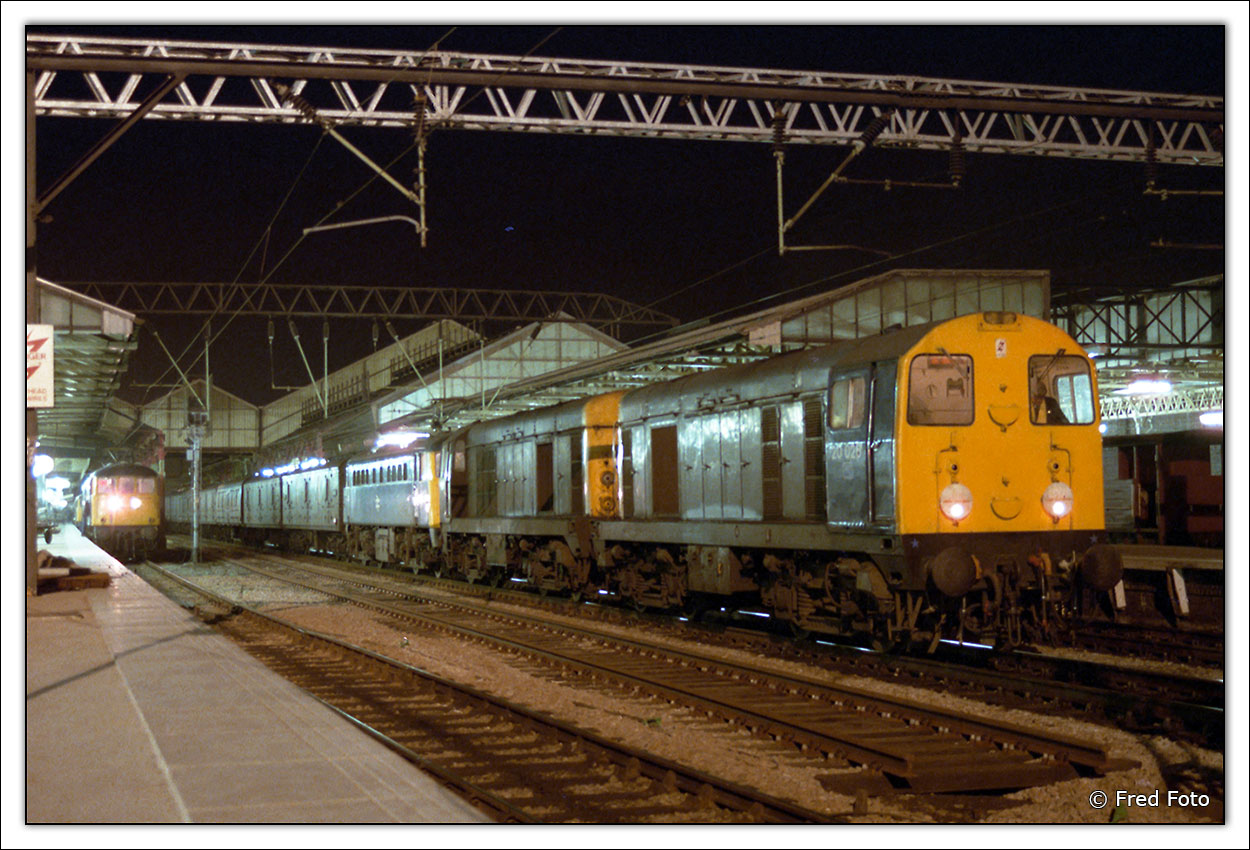
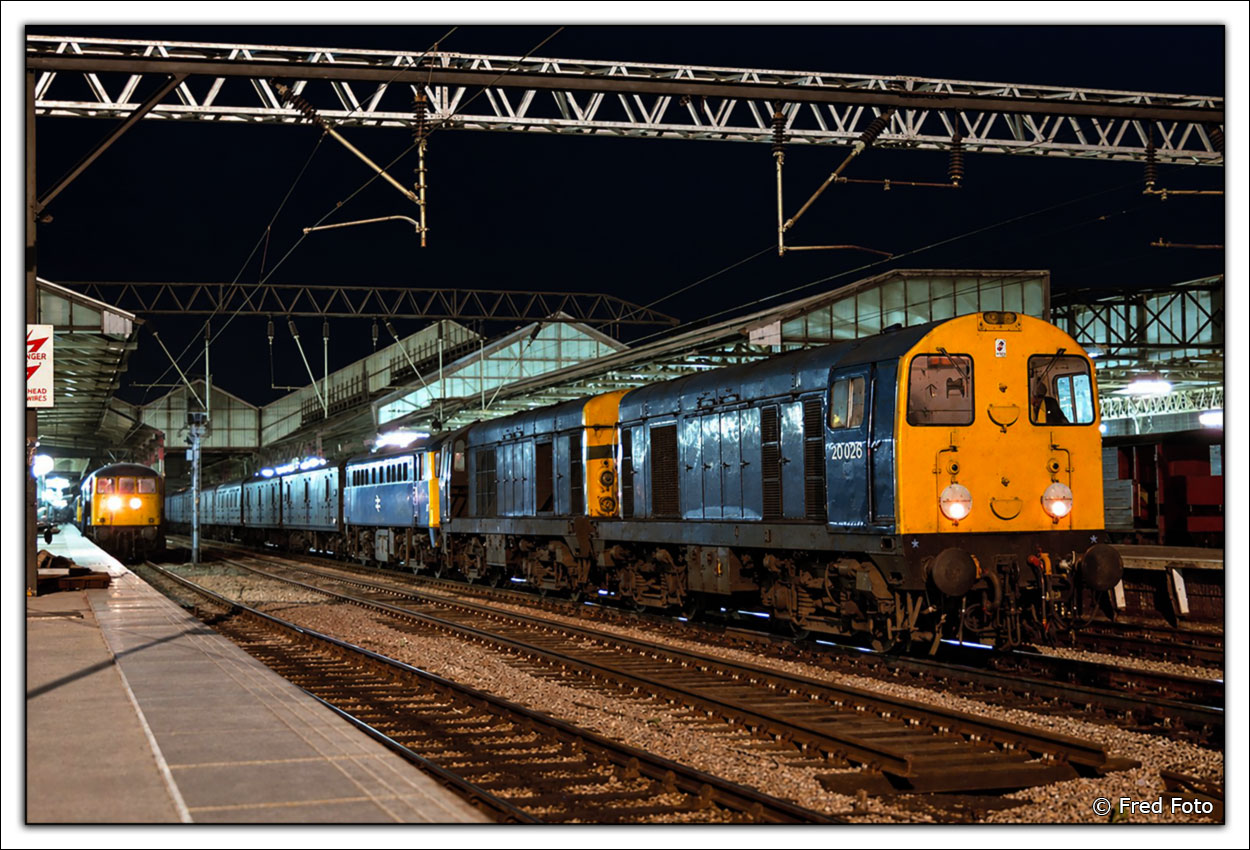
| 1. Introduction
ChatGPT is an Artificial Intelligence (AI) is normally a regenerative / recreative process for the colourisation and enhancement of images which normally involves a trade-off between visual quality and the preservation of original information. Whilst its not perfect it is an alternative to Photoshop for image enhancement, as the latter is unable to remove motion blur, camera shake, or missed focus. It is not recommended for when it is being used as an historical record.
The process works by downloading an image into ChatGPT and providing it with precise oral or written script(s) to obtain the desired colourised and / or enhanced image.
2. Limitations
ChatGPT colourisation and enhancement may sometimes struggle with accuracy of colours, numbers, logos, signs and details because it often reconstructs details rather than simply recover them from the original image. However, it is possible with a good script(s) to obtain an image that is near on perfect.
3. Colourisation
Colourisation is the process of adding colour to a black-and-white or greyscale image while retaining its original detail, lighting, shadows and texture.
A greyscale image contains only brightness information (luminance) with each pixel typically having a value between 0 (black) and 255 (white), with grey having a half way value of 128. Hue, saturation and lightness all contribute to our perception of colour, but as only lightness is present in greyscale images, many different colours can produce the same shade of grey which may result in colourisation inaccuacies.
Whilst photography normally works with three primary colour channels RGB (Red, Green, Blue), Ai normally uses the Lab Colour Space, lightness (values between 0 and 100), Green to Red (values between -128 and +127) and Blue to Yellow (values between -128 and +127) channels.
ChatGPT colourisation systems are trained on large collections of colour photographs which are converted from Lab Colour Space into greyscale, in order that AI can learn to predict the missing colours.
ChatGPT analyses objects, edges, textures, surrounding objects, lighting conditions and the overall context of the photograph. It 'predicts' colours for entire regions rather than simply guessing each pixel independently. The original greyscale image provides the lightness channel, while AI predicts the two other colour channels, (Green to Red) and (Blue to Yellow). These are then combined to produce a full-colour image.
4. Image Enhancement
Image enhancement works by analysing an existing image and adjusting its visual information to improve its quality, clarity and appearance. It recognizes shapes based on millions of training images and reconstructs the edges by utilizing generative algorithms to actually recreate the missing data and simultaneously reduces digital grain and compression artifacts. It can use traditional image processing, artificial intelligence, or a combination of both.
5. Initial Colourisation Prompt
The essence of producing a realistic colourisation enhancement is mostly dependent on using a suitable and sufficient script. However, it may require further script(s) to address detail issues, some of which are shown in Section 7 Edited Scripts.
A typical prompt to colourise a black and white image might read;
This is an image of (describe the image). Preserve the original photograph exactly in terms of composition, locomotive details, proportions, background, lighting, shadows, texture and period appearance. Do not add, remove or redesign anything. Apply realistic, historically accurate colours appropriate to the locomotive, its livery and the period shown. Colourise the railway infrastructure, track, vegetation, sky, buildings and other background details naturally and realistically. Keep the result photographic rather than illustrated. Preserve the grain, contrast and character of the original image, avoiding overly saturated or modern-looking colours.
6. Initial Enhancement Prompt.
The essence of producing a realistic enhancement is mostly dependent on using a suitable and sufficient script. However, it may require further script(s) to address detail issues, some of which are shown in Section 7 Edited Scripts.
A typical prompt to enhance an image might read;
Enhance this image and preserve the original composition, textures, colours, and all existing details. Improve only exposure, contrast, white balance, sharpness, clarity, and noise reduction where needed. Do not add, remove, reshape, or replace anything, and avoid an overprocessed look.
7. Edited Scripts (Colourisation and Enhancements)
It’s not unusual for the initial script not to provide the desired colourisation / enhancement. This can be resolved either by asking ChatGPT what script is needed to obtain the desired colourisation / enhancement or specify edited script(s). Some of which are detailed below,
7.1 The number on the front / bodyside of the Class xx locomotive is xxxxx. In some cases the number will be inserted larger than the original, in which case will need to be edited in Photoshop.
7.2 The name of the Class xx locomotive as shown on the name plate is xxxx
7.3 Tone down the image by xx% (saturation)
7.4 Blur the image with a 0.x pixel gaussian blur
7.5 Very / lightly weather the image
7.6 Adjustment levels +- 0.x (levels)
Many of the above (scripts) can be more easily applied in Photoshop, especially when the number of the locomotive is too bright.
|